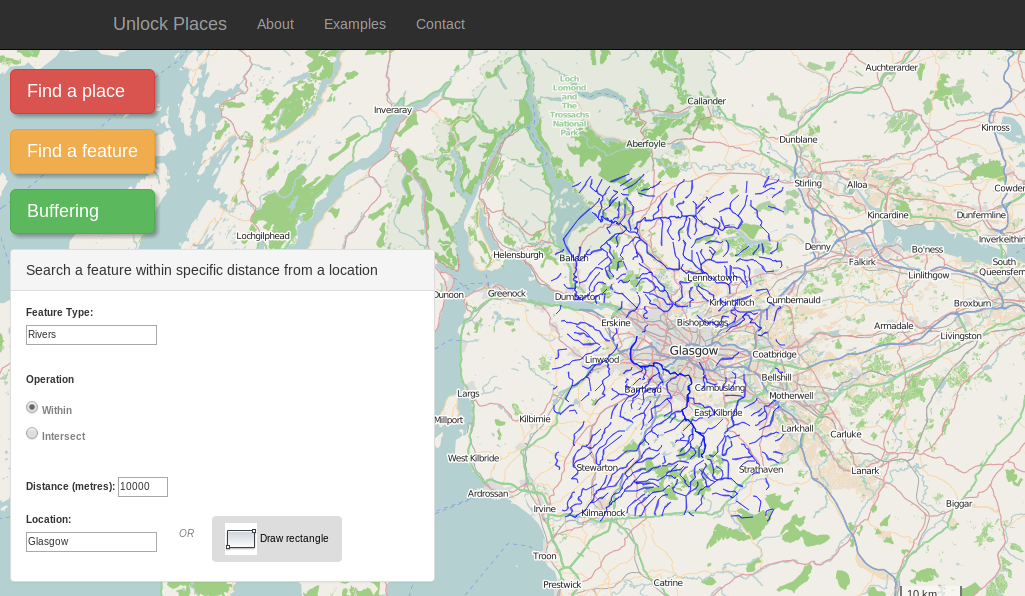
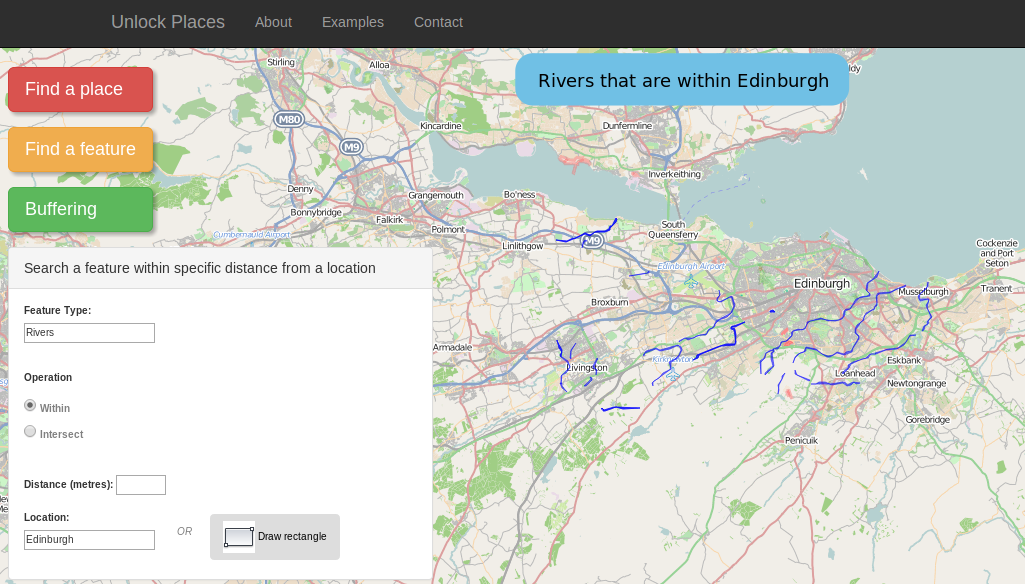
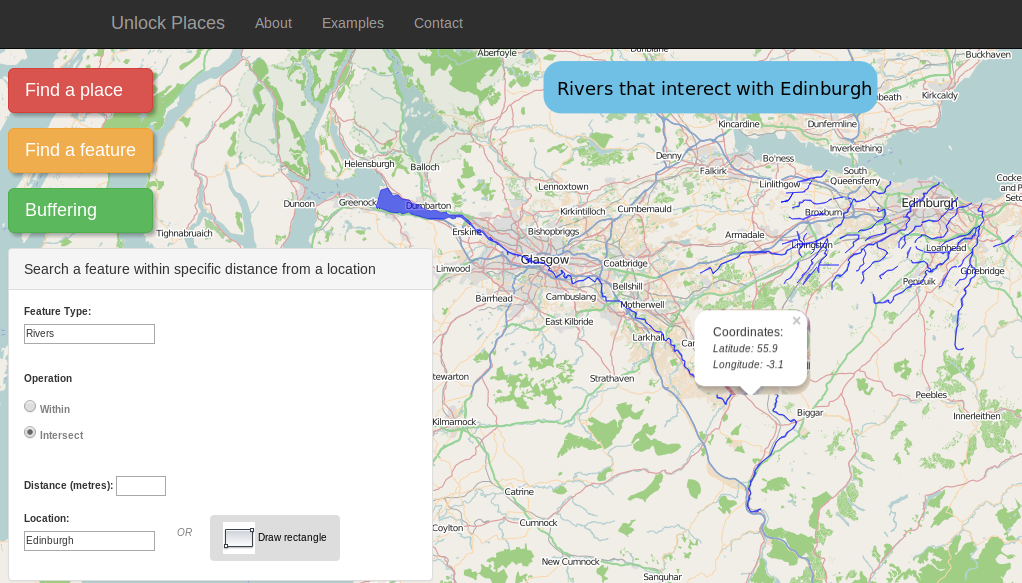
Example 3: Search a feature type within a specific distance from a region.
Click the green button on the left side of the page. Search in the first autocomplete box the feature type of your preference. Then select one of the operations "within" or "intersect". These operations indicate if the user wants the selected features to intersect with the boundaries of a region (fig. bottom-left) or if the features will be within this region (fig. bottom-right). After that, we select the distance (in metres) within which the features are going to be displayed (fig. top). Finally, there is the option to search a location using the textbox or to draw a region on the map.