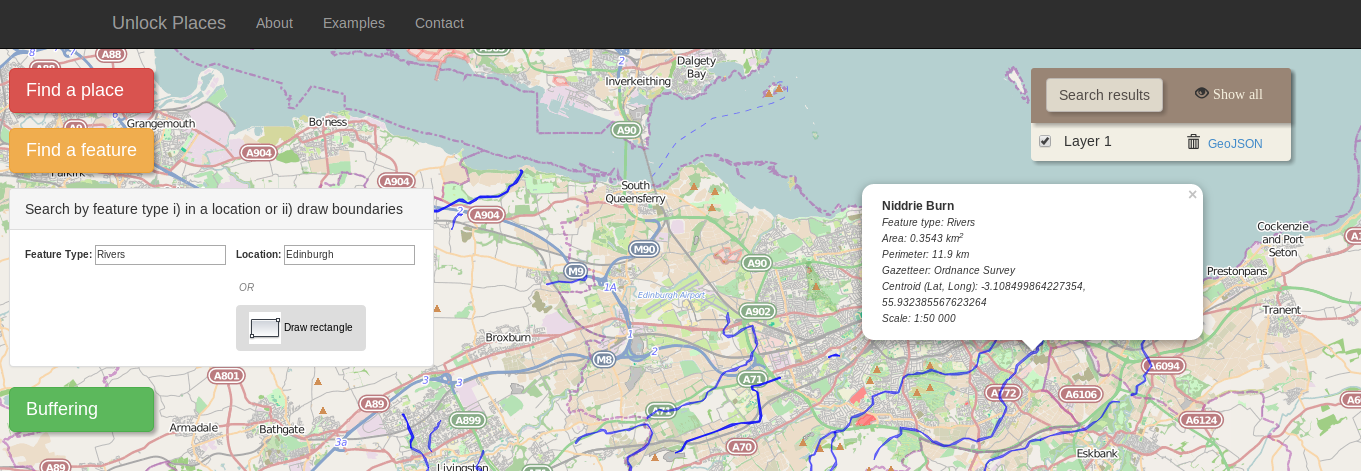
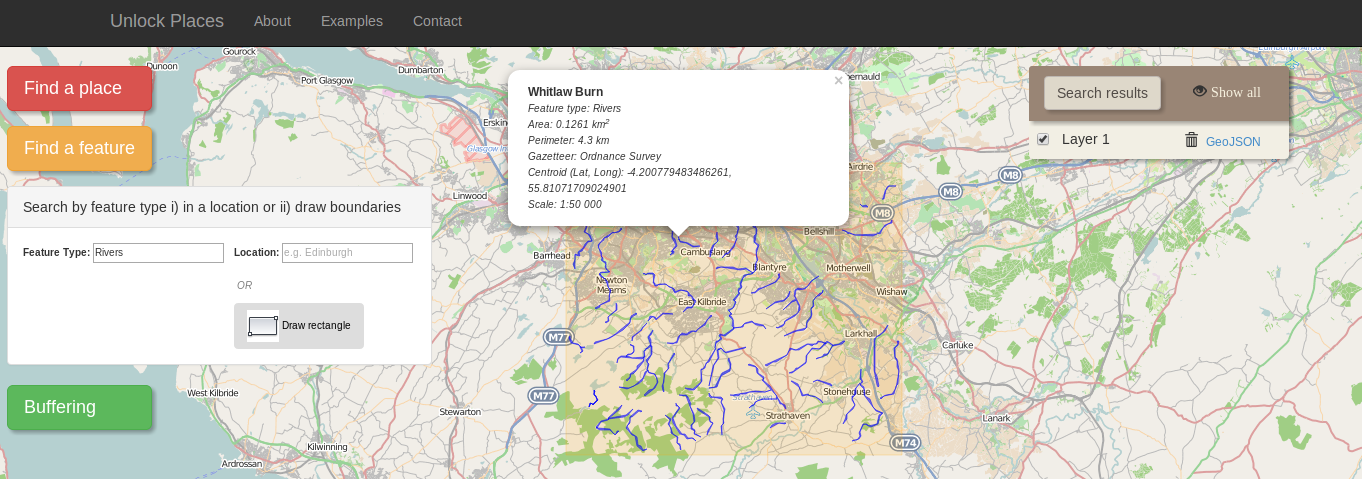
Example 2: Search a feature type within a location
If you want to find a feature type within a region, click on the orange button, on the left side of the page. A panel with options will appear. Write the feature type you want on the text box "Feature type" and select the option of the autocomplete result. Then there are two choices available: either type a location in the equivalent text box (fig. top) or press the "Draw rectangle" button to define on the map a specific region (fig. bottom). In both cases, the results are displayed as vectors on the map. When you click on each vector a popup window appears with metadata information for each feature.